Essential Tips for Maintaining Your Laptop's Performance
Discover essential tips to keep your laptop running smoothly and efficiently, from regular updates to proper cleaning techniques.
Regular Software Updates
One of the most crucial steps in maintaining your laptop's performance is ensuring that your software and operating system are regularly updated. Software updates often include patches for security vulnerabilities, performance improvements, and new features. Neglecting these updates can lead to slower performance and even security risks. To keep your laptop running smoothly, enable automatic updates for your operating system and frequently check for updates for your installed applications. Regularly updating your software helps to fix bugs and enhances the overall stability of your system, ensuring a more efficient computing experience.
Clean Your Hardware
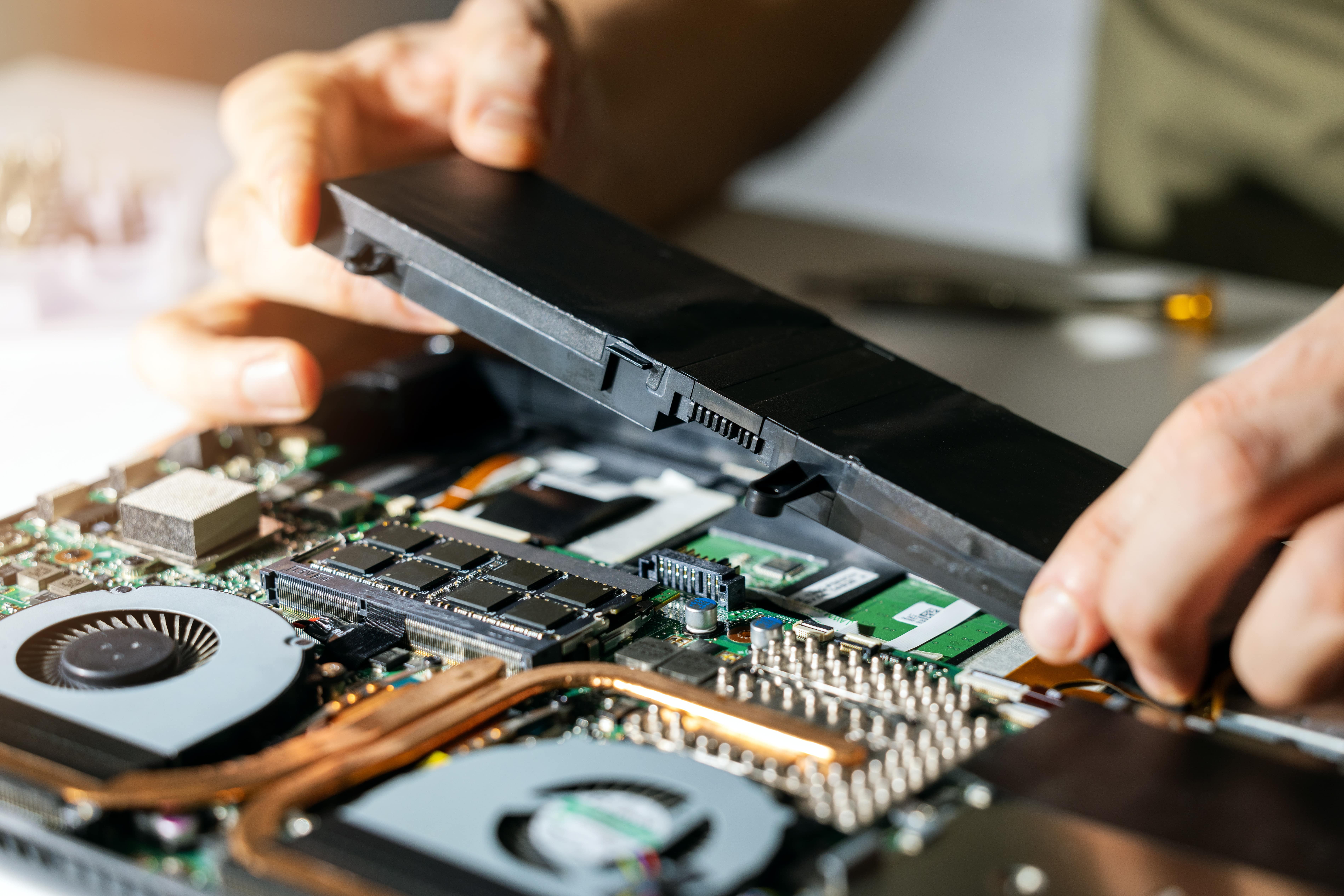
Dust and debris can accumulate inside your laptop, causing it to overheat and operate inefficiently. Regularly cleaning your laptop's hardware components, such as the keyboard, vents, and screen, can significantly improve its performance. Use compressed air to blow out dust from the vents and a soft cloth to wipe down the screen and keyboard. Additionally, consider opening up the laptop to clean the internal components if you're comfortable doing so, or take it to a professional for a thorough cleaning. Keeping your hardware clean not only improves performance but also extends the lifespan of your laptop.
Manage Your Startup Programs
Many applications are set to launch automatically when you start your laptop, which can significantly slow down the boot process and overall performance. To maintain optimal performance, manage your startup programs by disabling unnecessary applications from starting up with your system. You can do this through the Task Manager on Windows or System Preferences on macOS. By reducing the number of startup programs, you can speed up your laptop's boot time and free up system resources, allowing your laptop to run more efficiently.
Optimize Storage Space
Running low on storage space can severely impact your laptop's performance. Regularly optimize your storage by deleting unnecessary files, uninstalling unused applications, and moving large files to external storage or cloud services. Additionally, consider using disk cleanup tools to remove temporary files and other junk that can accumulate over time. Keeping your storage organized and free of clutter ensures that your laptop can access files quickly and operate at its best. It's also a good idea to periodically defragment your hard drive if you're using an HDD, though this is not necessary for SSDs.
Monitor System Health
Regularly monitoring your laptop's system health can help you identify and address potential issues before they become major problems. Use built-in tools like Task Manager or Activity Monitor to keep an eye on CPU, memory, and disk usage. If you notice any unusual activity or consistently high usage, it may be time to investigate further. Additionally, consider using antivirus software to protect your laptop from malware and other threats. By staying vigilant and proactive about your system's health, you can ensure that your laptop continues to perform optimally for years to come.